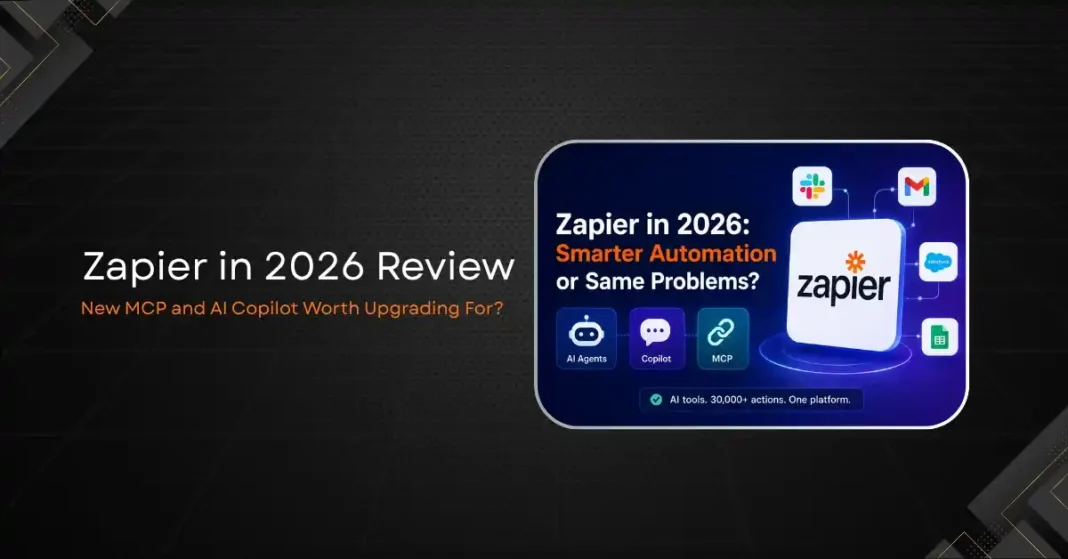
Zapier has been the default automation platform for small businesses since it launched in 2011. For more than a decade, it connected apps through simple trigger-action rules, letting non-technical users build workflows without writing code. In 2025 and 2026, something shifted. Zapier rebranded itself as an AI Orchestration Platform, adding a natural language Copilot, autonomous AI Agents, and support for the Model Context Protocol (MCP). The question worth asking in 2026 is whether these additions are genuine improvements to the product or just marketing dressed up in AI language. This review is based on testing across the Free, Professional, and Team tiers, building real workflows and evaluating the AI features against their claims.
What Zapier Actually Is in 2026
Zapier connects over 8,000 applications through a system of triggers and actions called Zaps. When something happens in one app, a connected action fires in another. A new lead in a form triggers a message in Slack and a record in a CRM. A completed payment creates a row in a spreadsheet. That core model has not changed. What has changed is the layer on top of it.
The platform now ships with four distinct product categories. Zaps handle the traditional event-driven automation. Agents are autonomous AI workers that operate on goals rather than triggers. Tables add a native database for storing workflow state. Copilot is the natural language interface for building all of the above. Together, Zapier is pitching a shift from “connect these two apps” to “give your business an AI teammate.”
The MCP integration is the most strategically interesting addition. It exposes over 30,000 Zapier actions to external AI tools like Claude and ChatGPT. Rather than building a Zap to update a CRM, an AI agent running in Claude can call Zapier’s MCP server and update the CRM directly. Zapier becomes the action layer for AI systems rather than just a workflow tool. Each MCP tool call consumes two tasks from the user’s plan quota.
Copilot: Does It Actually Build Workflows for You?
Zapier Copilot launched in September 2025 and allows users to describe what they want in plain English. Type “when a customer fills out the contact form on my website, send them a welcome email and add them to my Mailchimp list,” and Copilot scaffolds the Zap automatically. The trigger, the action steps, and the field mappings appear in the editor ready for review.
Testing Copilot across a dozen workflow types produced mixed results. Straightforward two-step Zaps with clear app names built correctly most of the time. The Copilot correctly identified apps, set trigger conditions, and mapped obvious fields like name and email without manual adjustment. The speed compared to manual setup was real: a workflow that might take 10 minutes to configure by hand took two.
Where Copilot struggled was with conditional logic and multi-app sequences. A workflow involving three apps and branching paths based on form field values required significant manual correction after the initial Copilot draft. The AI understood the intent but built a simpler version of the flow, missing the conditional paths entirely. Power users who need filters, formatters, and Paths will still do most of the configuration work manually.
The checkpoint feature added in 2026 is a genuine improvement. Every time Copilot updates a workflow, it saves a snapshot of what changed. Undoing a problematic suggestion takes a single click rather than manually reversing each step.
Zapier Agents: Agentic Automation in Practice
Zapier Agents went to general availability in May 2025. An Agent is a goal-directed AI worker. Rather than waiting for a trigger, it can browse the web, read emails, check data in Tables, and decide what actions to take based on instructions. A sales Agent might check incoming emails, look up matching deals in a CRM, draft response suggestions, and flag anything that needs human attention.
The pitch is convincing. The reality in mid-2026 is that Agents work best for low-stakes, repetitive tasks where occasional errors are acceptable. An Agent summarizing incoming support tickets and routing them to the right Slack channel performs well. An Agent drafting customer replies and sending them autonomously is a higher-risk deployment that requires careful instruction design and oversight.
Agents consume tasks at the same rate as Zaps, which creates a cost problem for high-volume use cases. An Agent that runs 20 times per day on the Professional plan at 750 tasks per month will exhaust the quota in under two days if it fires multiple actions per run.
Pricing: The Most Complained-About Part of Zapier
Zapier’s pricing is task-based. Every successful action in a Zap or Agent run consumes one task from the monthly quota. Built-in tools like Filter, Formatter, Paths, and Tables do not count, which helps. MCP tool calls count double at two tasks each.
The Free plan offers 100 tasks per month with two-step Zaps only. The Professional plan at $19.99 per month includes 750 tasks and multi-step Zaps. The Team plan at $69 per month adds shared connections, SSO, and advanced admin controls.
The pricing model is where user frustration concentrates. Trustpilot gives Zapier a 1.4 out of 5, with complaints centering on surprise overages, inconsistent billing notifications, and Zap execution failures that still consume tasks. A five-step Zap running 100 times per month consumes 500 tasks, leaving only 250 for other workflows on the Professional plan.
For teams with complex workflows or high automation volume, Make or n8n are worth evaluating. Make’s pricing is based on operations rather than tasks and tends to cost less for equivalent workflow complexity. n8n offers a self-hosted option with unlimited runs. Zapier’s advantage is the 8,000-app ecosystem, the lowest barrier to entry, and the reliability of a managed platform with 99.9 percent uptime on paid plans.
Who Should and Should Not Upgrade
The MCP and Copilot additions are real improvements, not just marketing. If your team works with AI tools that can call MCP servers, Zapier’s action library becomes dramatically more useful. Copilot saves meaningful time on simple workflow setup. The AI Agents add a genuinely new capability for goal-directed automation.
That said, these features do not change the pricing problem. Teams using Zapier mainly as a traditional workflow automation tool and not as an AI orchestration layer will see limited benefit from upgrading beyond their current plan. The cost per task stays the same regardless of whether the tasks come from Zaps or Agents.
The upgrade makes sense if you are actively building agentic AI systems that need a reliable action layer for 30,000-plus apps. It makes less sense if you just want reliable two-way sync between your CRM and your email tool.
The Honest Summary
Zapier in 2026 is a better product than it was two years ago. Copilot is genuinely useful. MCP support is a smart strategic bet. The Agents feature points toward where business automation is heading. The platform still has the largest integration library in the category and the easiest onboarding for non-technical users.
The task-based pricing is still the biggest obstacle. Until Zapier rethinks how it charges for AI-driven automation, which by nature fires many actions per goal rather than one, cost will remain the primary reason experienced users look elsewhere. Start on the free plan, test your most important workflows, and calculate your monthly task consumption before committing to a paid tier. The math matters more than the feature list.